CADMATE 2D / 3D
Drafting and design, with edition choices for different requirements.
See it in detail ↓Request a quotation
Equip your team to bring designs to life. Explore CADMATE drafting, takeoff and mechanical design with Arselor, with guidance on product selection, licensing and rollout.
Architects, engineering consultancies, contractors, estimators and mechanical design teams.
Drafting and design, with edition choices for different requirements.
See it in detail ↓Request a quotation
Plan measurement and quantity takeoff for estimating teams.
See it in detail ↓Request a quotation
Direct 3D modeling for mechanical design work.
See it in detail ↓Request a quotation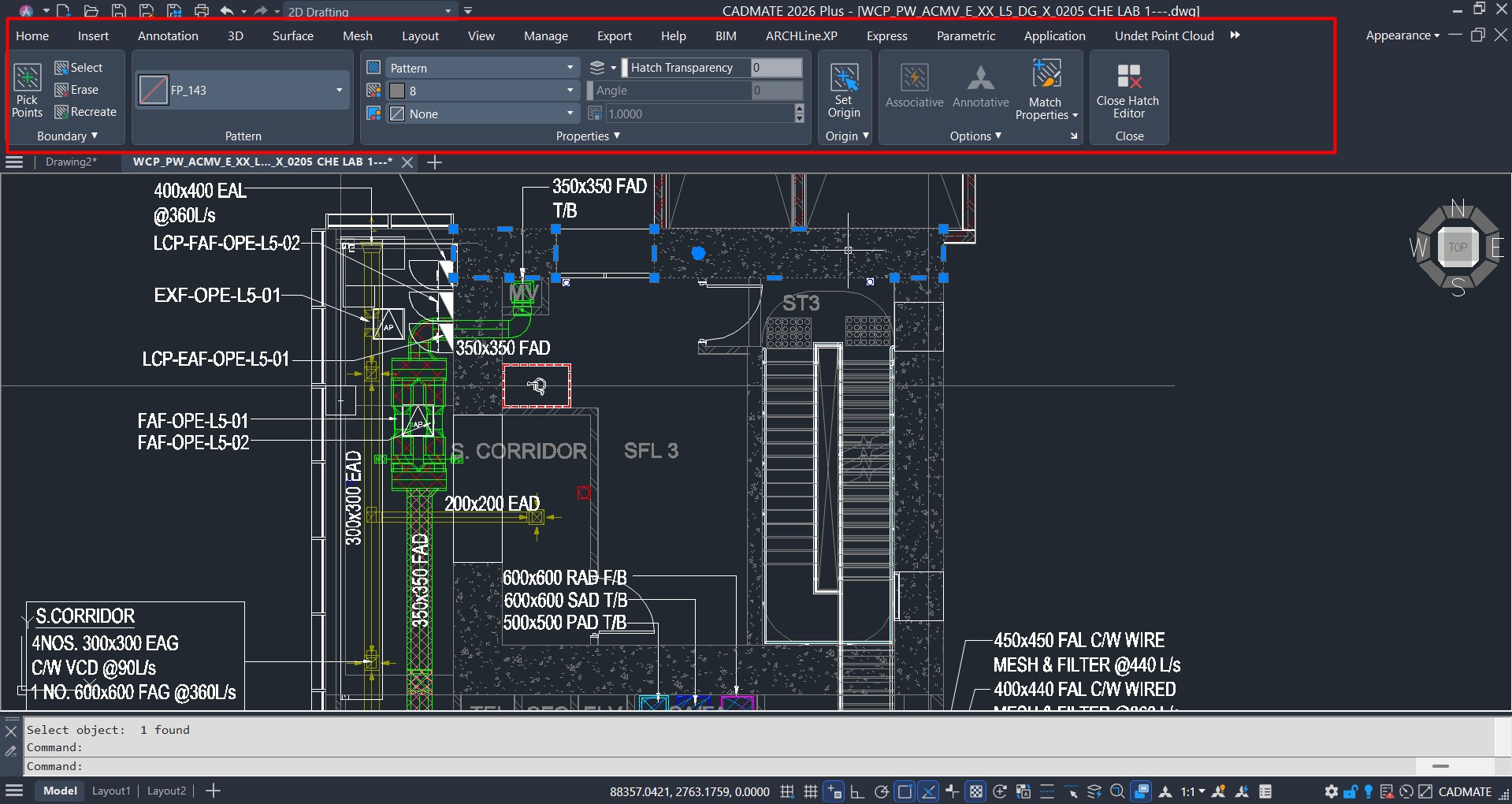
Work with DWG and DXF drawings in a familiar CAD environment. CADMATE’s toolset includes drawing annotation, hatching and PDF import. Use a representative project to review the workflow with Arselor.
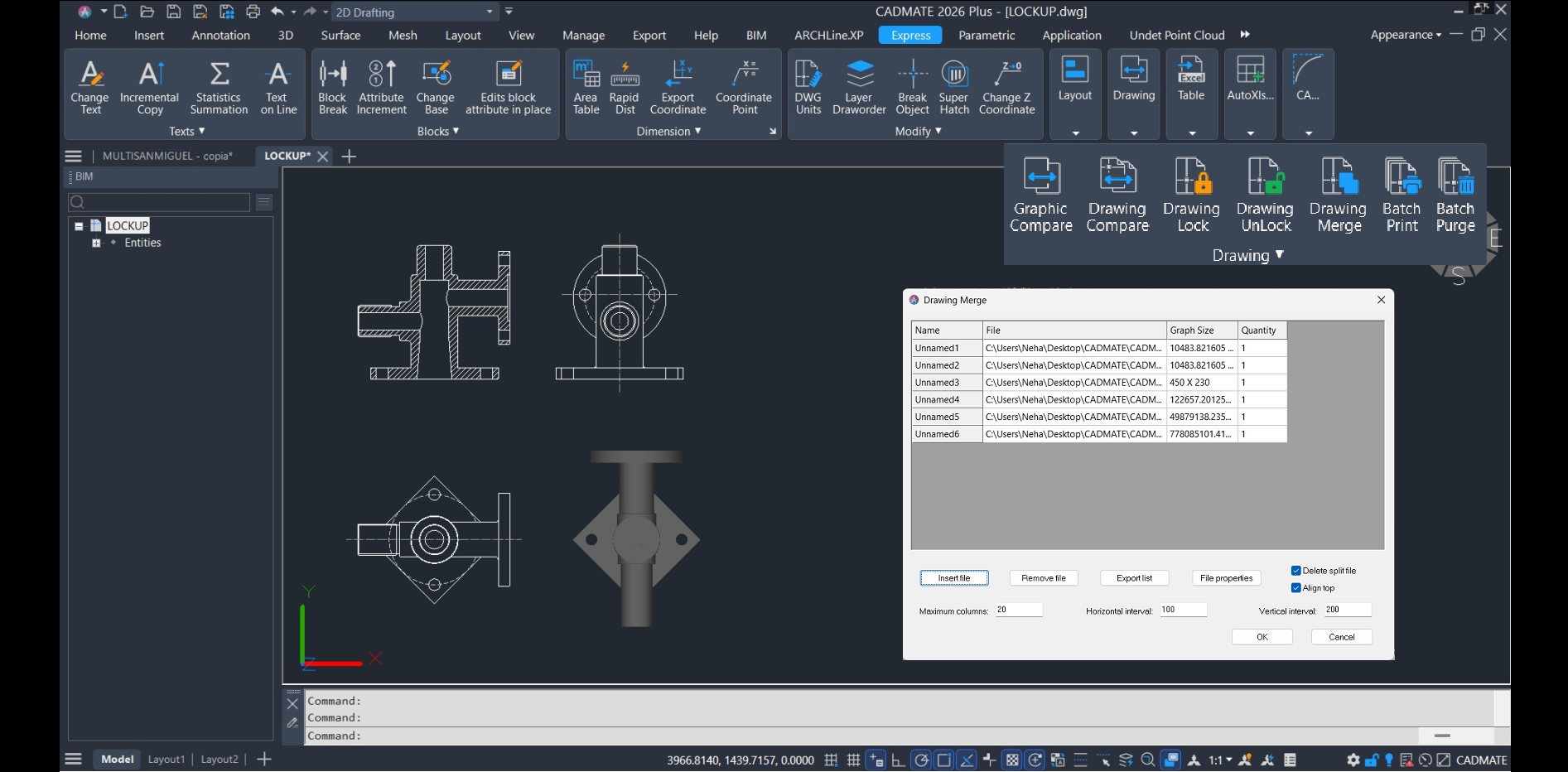
This official example brings engineering views and a shaded component together. Define how your team uses 2D detail and 3D work, then match those needs to the selected edition.
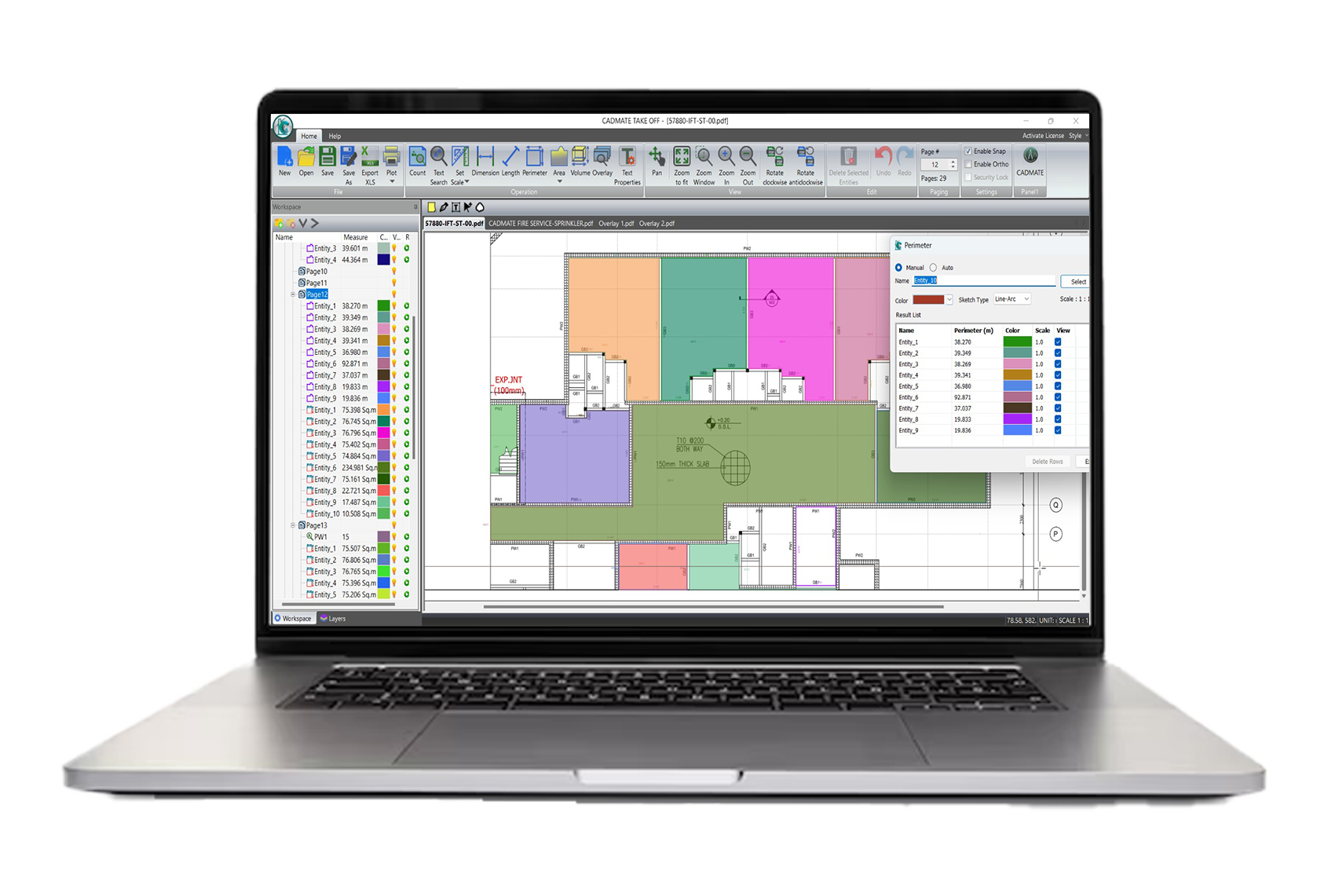
Measure areas and lengths, count items and mark up plans. CADMATE Takeoff supports DWG, PDF, DWF and DXF input and Excel export, helping estimating teams move from a drawing to a quantity review.
CADMATE Mechanical is a separate direct-modeling product for creating, changing and repairing 3D geometry. Share your modeling requirements with Arselor to scope the product, licensing and evaluation.
2D + basic 3D
2D + limited 3D
2D + 3D
CADMATE lists perpetual, standalone, network and subscription options. Ask Arselor which arrangements apply to your selected product and edition.
Before purchase, confirm the release, features, workstation requirements and licensing terms in your quotation.
Review official system requirements ↗Official CADMATE 2027 demonstrations from Cadmate Software. The product images above are vendor examples and may show earlier interfaces.
Build your evaluation around the drawings your team actually produces. Review drafting, 3D requirements and drawing exchange before selecting an edition.
A drafter, estimator and mechanical designer may need different tools. Arselor helps turn those requirements into a clear product and license list.
Plan who uses the software, where it will run and how support requests will be handled. Confirm installation and enablement services in the agreed scope.
Bring a representative floor plan, detail or engineering drawing. We help scope an evaluation of everyday editing, file exchange and drawing output for your team.
Discuss this use caseStart with the plan and the quantities your tender needs. Review how takeoff results will be checked and handed over to the people preparing your estimate.
Discuss this use caseDefine the parts, models and incoming file formats your team handles. Confirm the product and workstation requirements against that work before committing to licenses.
Discuss this use caseTell us how many people need access, what they design and which files they exchange. Existing software, required add-ons and purchasing timelines help shape the recommendation.
Review the proposed product mix, licensing and any evaluation findings together. Your quotation separates software from the implementation or support services you request.
Agree the deployment responsibilities, license records and support contacts. Any migration, training or workstation work is confirmed as part of the project scope.
Start with your role and a sample project. Arselor can help distinguish a drafting requirement from a takeoff or mechanical-design requirement, then confirm the appropriate product and edition.
Yes—share the file types, sample drawings and any fonts or add-ons your workflow relies on. We can scope a compatibility review before you approve the purchase.
Request a quotation with the product, user count and preferred licensing arrangement. Arselor will confirm availability, pricing and any requested setup or support services.
Treat them as separate product requirements. Ask for each needed product to be named in your quotation, with its edition and licensing terms.
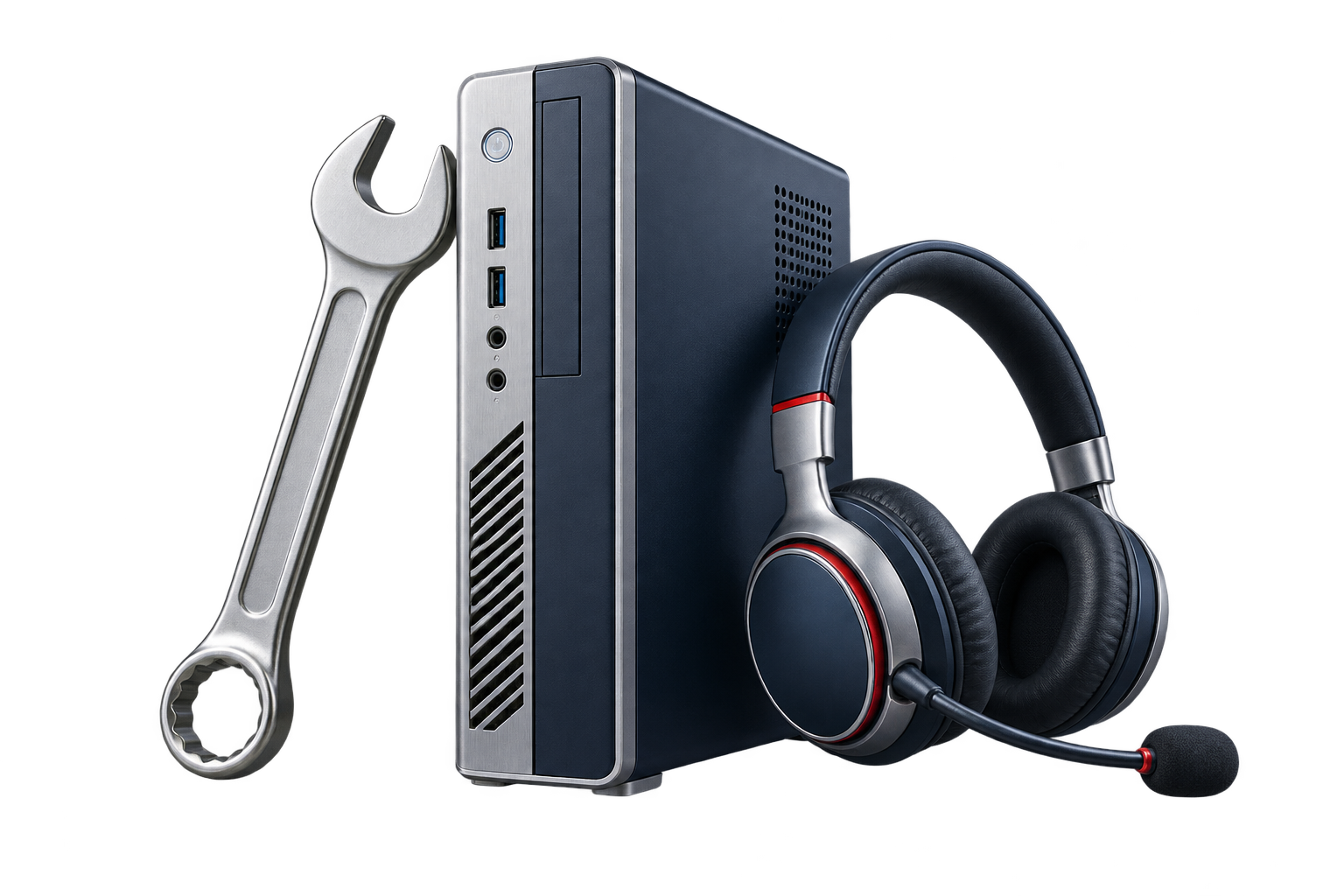
Ad-hoc assistance and annual maintenance for users, devices, applications, networks, servers and cloud systems.
Create a dependable contact point for staff and a maintenance plan for the systems they rely on.

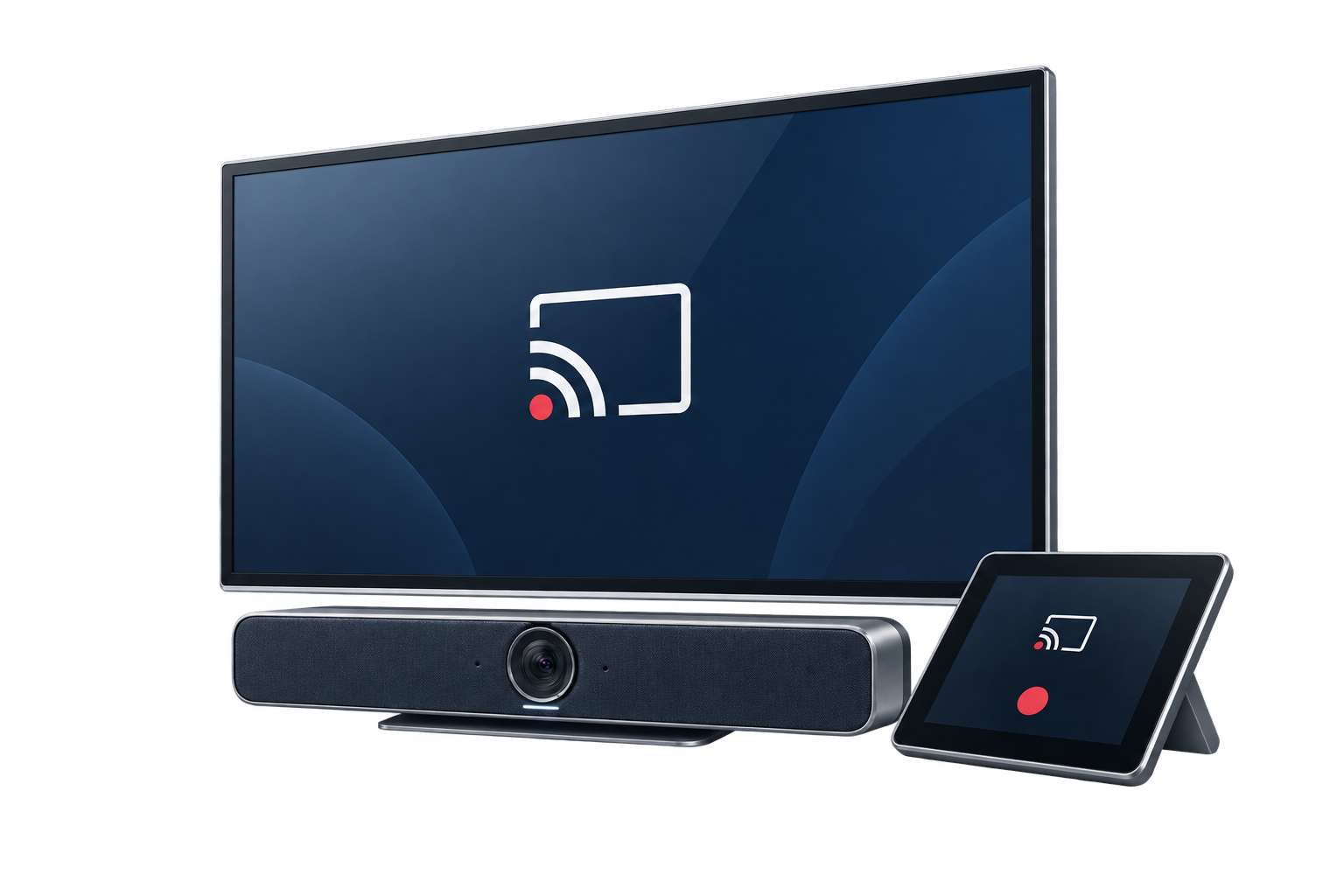
Wireless presentation, hybrid meeting integration, room booking and centralized management for professional collaboration spaces.
Help small teams share content without repeatedly changing cables or adapting the room for each presenter.

Centralize access-point configuration, guest access, firmware and monitoring across offices and branches.
Offer a considered guest connection while keeping business devices on the appropriate network.
A focused conversation with the right Arselor specialist.