Strengthen the identities and email your business depends on.
Review your Microsoft 365 tenant, prioritize configuration gaps and apply practical identity, email and device safeguards within your available licensing.
Microsoft 365 customers improving protection against account compromise and malicious email.

 Microsoft partnership
Connect with Arselor on Microsoft Marketplace.
Explore Arselor’s Microsoft partner profile and connect with our team about Microsoft 365, Azure and security services.
A closer look at Microsoft 365 security
See Microsoft introduce the productivity and security capabilities of Business Premium, alongside identity and endpoint-management examples.
Identity, endpoint policies and Defender visibility.
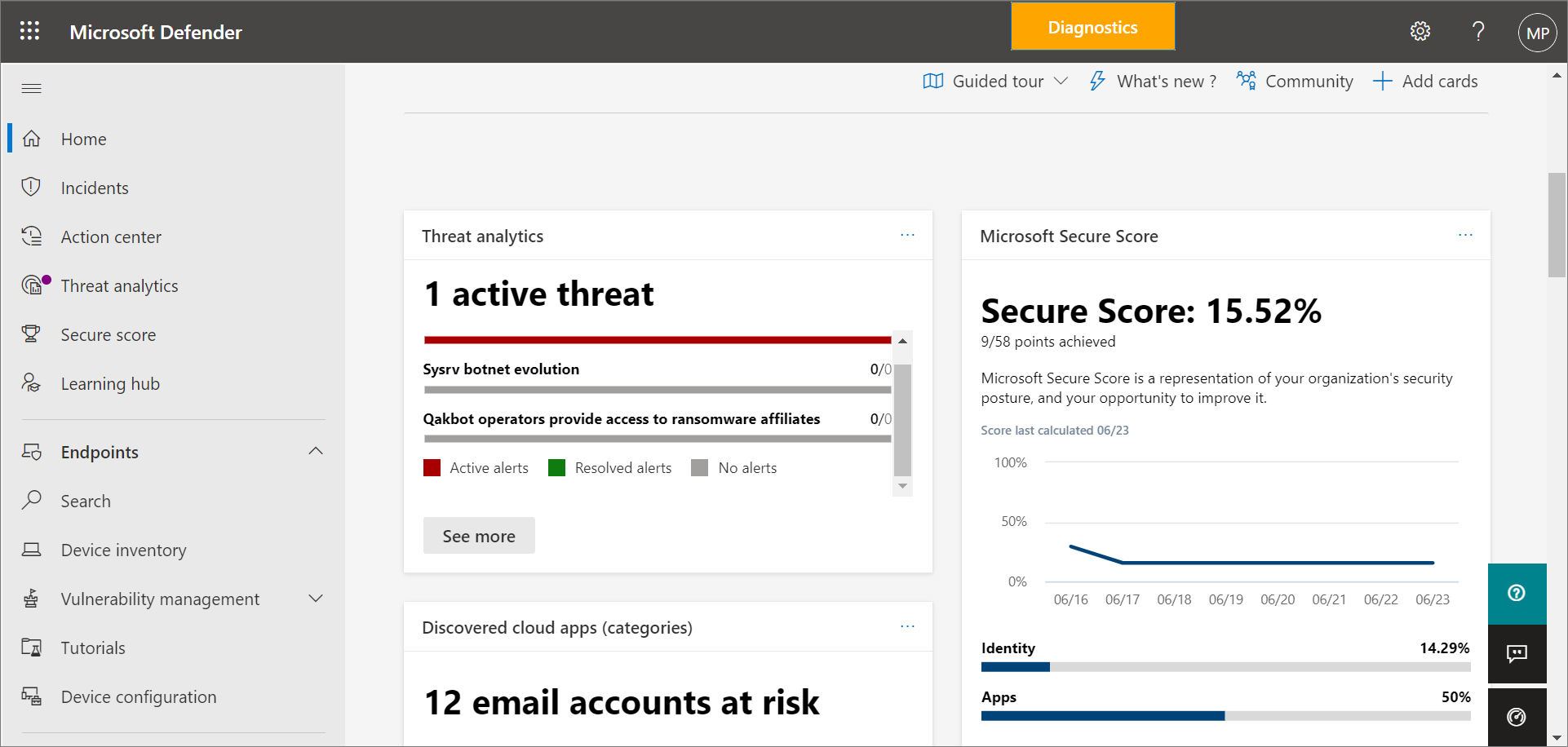
Turn security signals into action
The Microsoft Defender portal provides a working view for investigating security activity. We scope the protection products, configure the environment and agree incident ownership so alerts connect to a response process your team can follow.
- Protection and incident visibility
- A defined response workflow
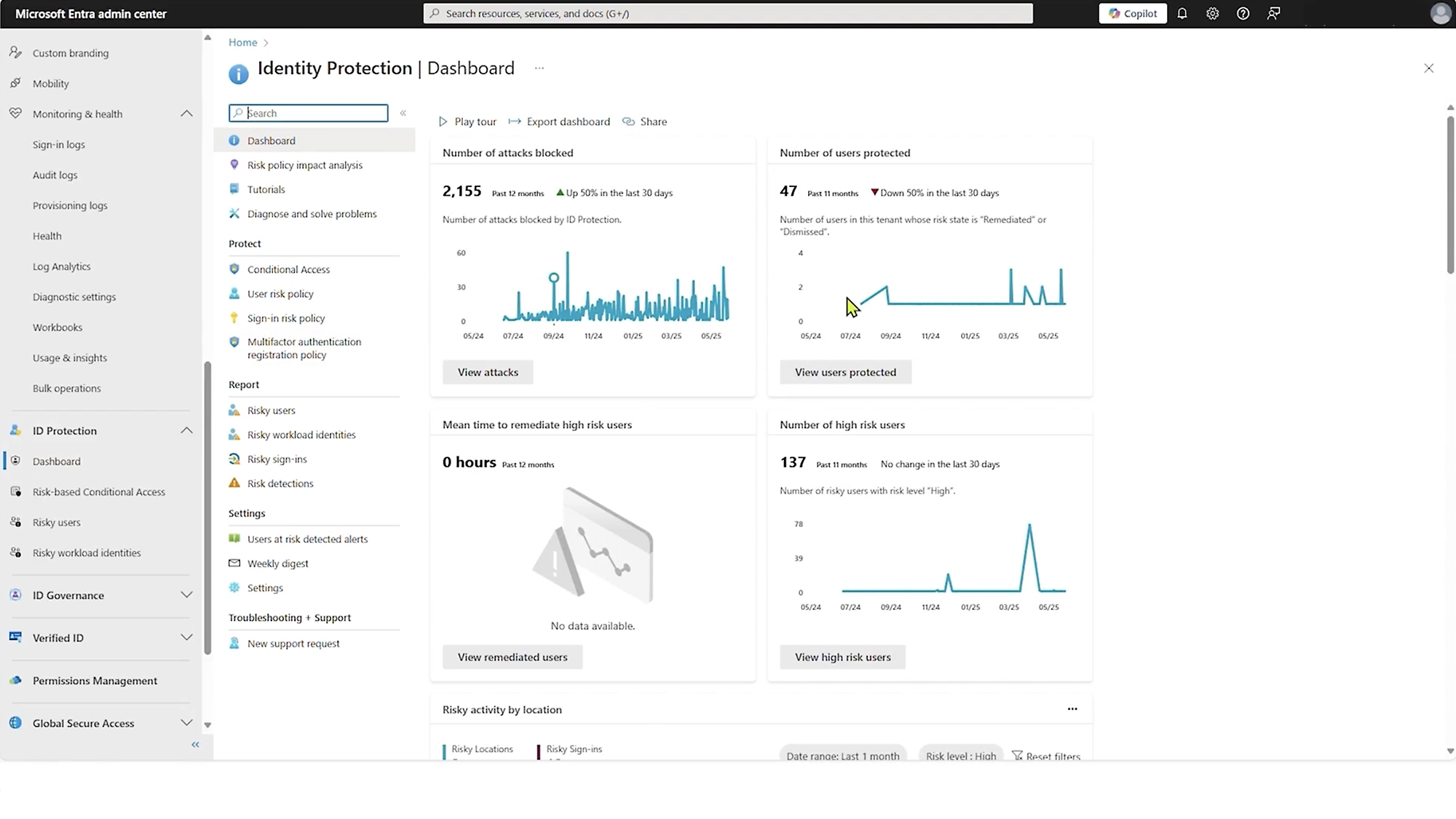
Start with the identity behind every sign-in
Microsoft Entra brings identity administration into a central workspace. Arselor reviews users, privileged access and sign-in requirements, then configures the agreed controls for the licensed capabilities available in your tenant.
- User and administrative access review
- Sign-in policy planning
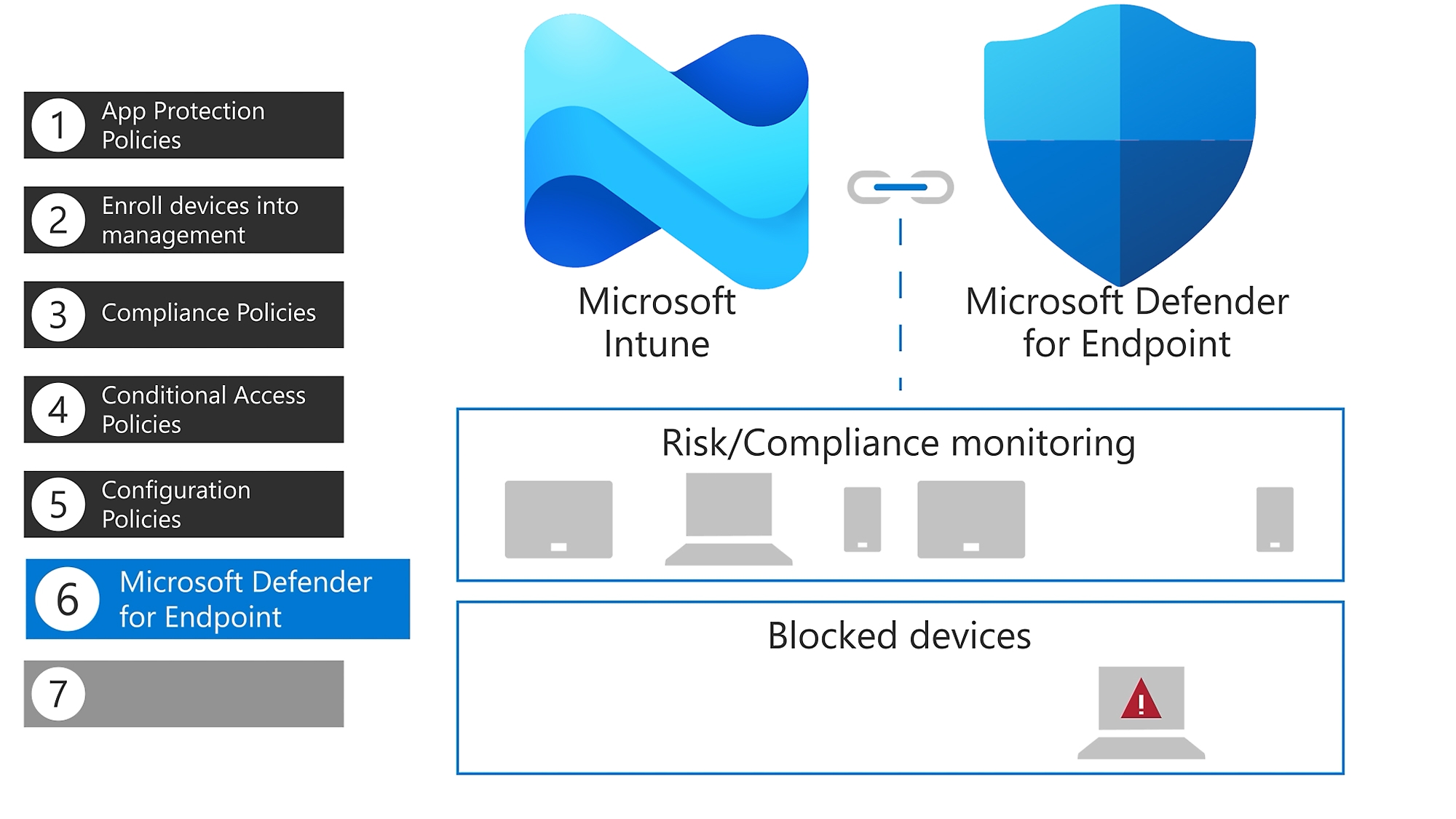
Microsoft Intune
Manage supported devices and their configuration from a central administration service. Enrollment, application delivery and policies are planned for your licensed capabilities and device estate.
Understand what it can do for you.
Protect access to business accounts
Review administrator roles, multifactor authentication and access policies. Match identity controls to your tenant, subscriptions and operational requirements.
Bring devices into the security plan
Plan supported device management and endpoint protection using appropriate Microsoft capabilities, including Intune and Defender where licensed. Stage the rollout with representative users.
Reduce exposure in email and data
Review email protection, sharing and information-handling settings. Monitoring and response responsibilities are agreed alongside the configuration.
Choose a situation. Explore the possibilities.
A security baseline
Review the tenant and introduce prioritized controls with a managed rollout plan.
Discuss this use case- 01Identity
- 02Devices
- 03Email & files
- 04Monitoring
Remote & mobile staff
Align account access and device requirements with the way your team connects to business services.
Discuss this use case- 01Identity
- 02Devices
- 03Email & files
- 04Monitoring
Safer collaboration
Review guest access, shared files and sensitive information handling with business owners.
Discuss this use case- 01Identity
- 02Devices
- 03Email & files
- 04Monitoring
From the first requirement to the final handover.
Tenant security and license review
Identity and MFA configuration
Email protection policy review
Device and access policy alignment
Controlled testing and exception review
Configuration handover and guidance
Apply a tested Microsoft 365 security baseline.
Review exposure and licensing
Review privileged accounts, sign-in settings, devices and available protection capabilities in the tenant.
Pilot the agreed controls
Test identity, device and email policies with a controlled user group and review required exceptions.
Roll out and document ownership
Apply the approved baseline, verify user access and document administrative and incident-response responsibilities.
Before you decide
Will hardening interrupt user access?
Some controls change sign-in or device requirements. We plan communication, pilot testing and exceptions before wider rollout.
Do we need additional licenses?
We check which controls your current subscriptions support; any required additions are identified and quoted separately.
Build the rest of the picture.
 Microsoft
Azure

Microsoft 365 & Azure
Licensing, deployment, email migration, collaboration and security configuration across Microsoft 365 and Azure.
A productive team starts with a well-managed cloud.
- A connected digital workplace
- Identity and access with ownership
- Cloud that supports the business
Standardize email, meetings and document sharing as employees and locations increase.


Managed hosting & web services
Managed websites, application hosting, VPS and dedicated servers, with monitoring, updates, backups and local support.
Keep your applications available and your infrastructure cared for.
- A home for your business systems
- Manage the essentials
- Plan beyond deployment
Connect your domain, hosting and certificate so the site has a clear operating owner.

Business email migration
Plan and coordinate mailbox migration, domain changes, account setup and user onboarding into a managed Microsoft 365 workplace.
Move your email with people and continuity in mind.
- Map the mail environment
- Validate before the wider move
- Coordinate cutover and follow-up
Assess your current email platform and select an appropriate migration approach.
Bring us the challenge. Let’s plan the way forward.
A focused conversation with the right Arselor specialist.